
Solid Ground
When every touchpoint supports the mission.
A concept study exploring how a nonprofit could establish a clearer technology direction, improve its public experience, and connect the operations behind its mission.
- Study
- NonprofitConcept study03 Practices
- Practices
- Technology DirectionWebsite DevelopmentSoftware Development
Independent concept study · Fictional organization
One mission · Three connected practices
- UnderstandTechnology Direction
- Prioritize
- Experience
- Operate
- Evolve
01 / See the whole
The mission is connected.The experience should be too.
01 · Community
People need a clear path from need to next step.
Future state Clearer paths
02 · Operations
Staff need shared context and clear ownership.
Future state Greater continuity
03 · Direction
Leadership needs priorities grounded in the whole organization.
Future state Clearer priorities
These aren’t separate problems to solve one at a time.
They’re parts of one organizational system.
Follow the experience through it
02 / Follow the experience
Where the experience breaks
See where clarity carries forward—and where it can disappear.
Select a moment in the journey. Each reveals something different about how people, information, and responsibility move through the organization.
Direction begins by understanding these moments before deciding what to build.
Handoff point
Ask for help
The challenge
Intake may begin through disconnected forms, phone calls, email, or paper.
What we need to understand
- Where do requests originate?
- What information is required?
- Who receives it?
- Where does responsibility change?
Who this affects
People seeking help / Program staff
Public experience → Organizational operations
The pattern
The experience doesn’t break in one place.
Each moment depends on what came before it—and what happens next.
- Recognition
- Clarity
- Continuity
- Ownership
- Connection
What website or software should Solid Ground build?
A better question
What needs to become clearer before anything gets built?
03 / Set the direction
The response
One direction.Three connected practices.
Understand
Technology Direction
Establish a clearer view of the organization—and what should move forward first.
Enables Shared priorities
See the chapterExperience
Website Development
Create a clearer public experience that helps people understand the mission and confidently take the next step.
Enables Recognition + Clarity
See the chapterOperate
Software Development
Create a more connected operational experience where context, ownership, and next actions can move with the work.
Enables Continuity + Ownership + Connection
See the chapter
Each practice shapes a different part of the same organizational experience.
Technology Direction
See what already exists.Understand what connects.Decide what should move next.
We map the people, programs, processes, information, and systems already shaping the experience—then turn that understanding into a practical sequence of decisions.
01 / Current environment
What we're working with
Community + access
People seeking services · Volunteers · Donors · Community partners
Programs + services
Program delivery · Development / fundraising · Communications · Volunteer coordination
Operations
Intake + follow-up · Review · Assignment · Reporting
Information
Case / service history · Participant records · Program information · Donor information
Systems + channels
Website + resources · Forms · Email · Documents · Case records
The path this study followsPerson seeking services → Website / resources → Intake → Program → Staff → Service delivery → Follow-up → Case history
02 / Key findings
What we heard and observed
The public experience needs clarity
Programs and resources exist, but finding the right next step can require too much interpretation.
Intake creates a handoff
Submitting a request is only the beginning. Information still has to reach the right person and remain useful afterward.
Staff need operational context
The organization benefits when requests, responsibility, next actions, documents, and history can be understood together.
Change should be sequenced
Not every improvement needs to happen at once. Direction determines what matters first and what can wait.
03 / Strategic themes
Where change could make an impact
- Clearer service pathways
- Connected intake
- Shared service context
- More consistent records
- Follow-up that stays connected
Not everything needs to be replaced.
Keep what works. Connect what should work together. Build only where the organization needs something different.
04 / Prioritized opportunities
Where to focus
Public experience
Make it easier to understand programs, eligibility, resources, and next steps.
Website DevelopmentRecognition + Clarity
Intake
Create a clearer path from an initial request to the right program or person.
Website + SoftwareContinuity
Operations
Give staff clearer visibility into requests, ownership, history, and next actions.
Software DevelopmentOwnership
Information
Reduce fragmentation across forms, documents, spreadsheets, and individual inboxes.
Software Development
Continuity
Preserve context after the initial interaction so people do not repeatedly start over.
Software DevelopmentConnection
+ Future
Additional opportunities
Introduce custom software where justified, integrate systems selectively, and expand reporting as programs grow.
for later
SequencePriorities
- 01ImprovePublic website
- 02ClarifyProgram + service pathways
- 03ConnectIntake + ownership
- 04EvolveSystems selectively
- —KeepExisting tools that still work
- Priority 01
- Near-term
- Priority 02–03
- Sequenced next
- Priority 04
- Validate before investing
- Unnumbered
- Maintain / monitor
RoadmapIllustrative horizons
- Now0–3 monthsStabilize
Preserve what already works.
- Clarify ownership
- Document existing workflows
- Identify critical information
- Reduce obvious ambiguity
- Next3–9 monthsClarify
Make the public path easier to understand.
- Organize programs and services
- Clarify resource pathways
- Improve intake expectations
- Establish content ownership
- Later9–18 monthsConnect
Improve continuity behind the experience.
- Connect intake to ownership
- Preserve request context
- Establish shared status
- Improve follow-up visibility
- Future18+ months / revisitEvolve
Build from a clearer foundation.
- Introduce custom software where justified
- Integrate systems selectively
- Improve reporting
- Adapt as programs change
Revisit as needs, capacity, and funding change.
Key strategic insight
The goal isn’t more technology.
It’s a clearer path through what already exists—and a better system where one is actually needed.
Direction is a deliverable
Turn what we learned into a path forward.
A conceptual Avenier Strategy Sprint artifact for Solid Ground: one page that turns the organizational map and findings into decisions.
Strategy SprintSolid Ground
01 What we know
People · Processes · Systems · Dependencies
02 What matters
- Clarify the public service journey
- Improve intake
- Establish a shared operational record
- Connect follow-up
- Preserve flexibility for future programs
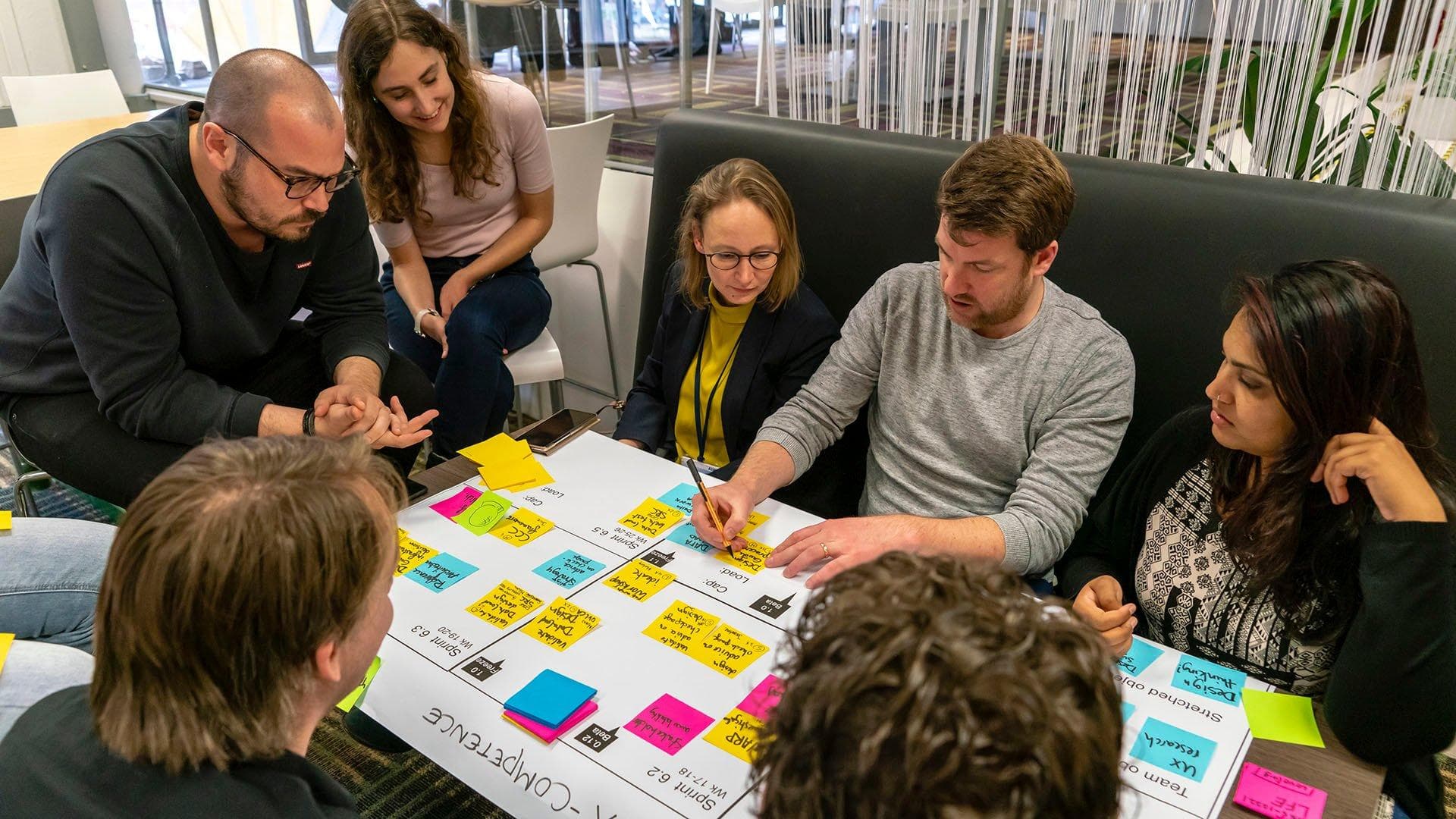
From findings to decisions
03 Where we go
Now
Clarify website architecture and service pathways.
Next
Connect intake to an operational workspace.
Later
Expand reporting, automation, integrations, and additional program workflows.
Direction without locking the organization into one future.
04 Decisions this roadmap enables
- What should be built?
- What should remain?
- What should integrate?
- What can wait?
What this direction enables.
01Public experience
Website Development
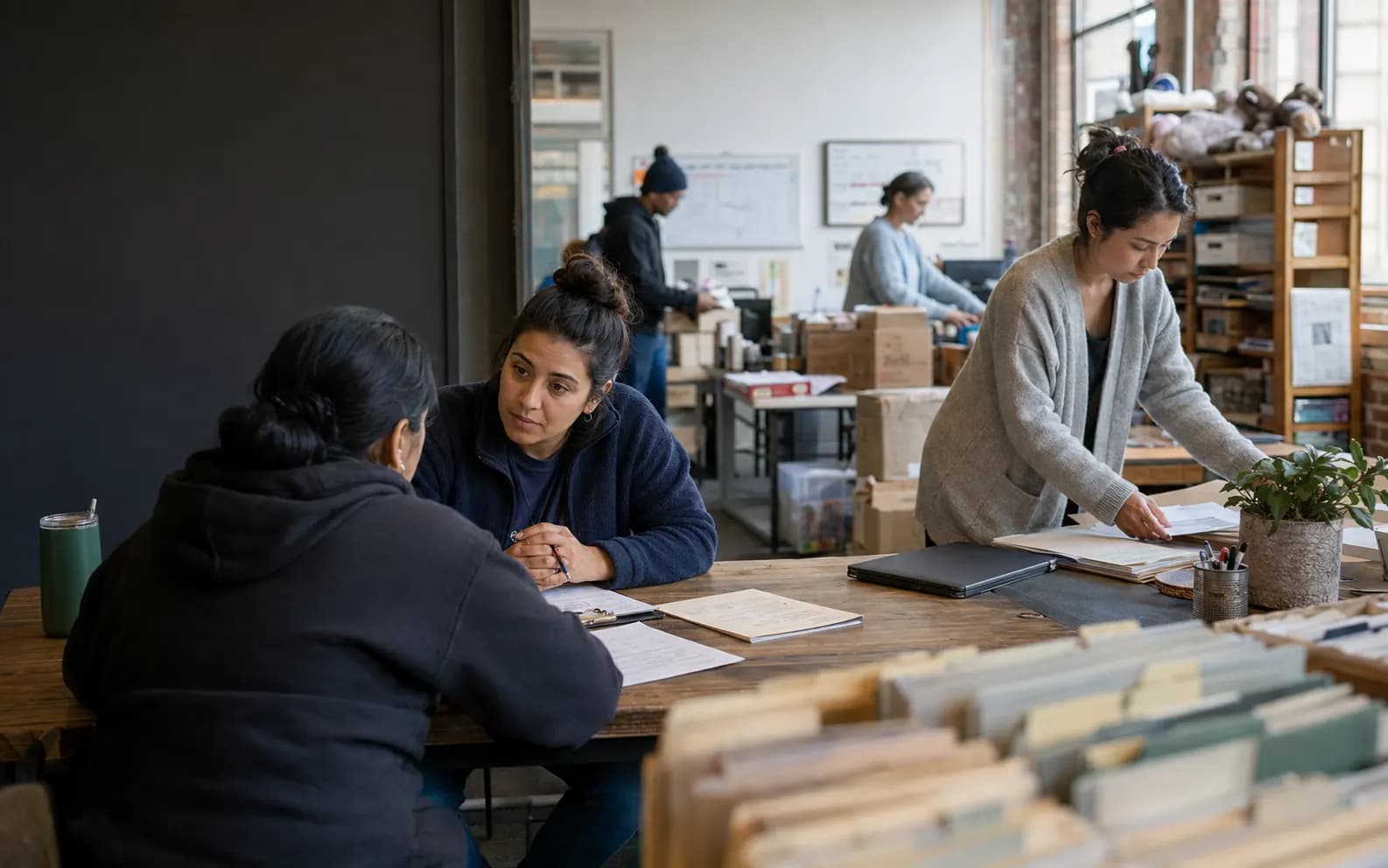
Make programs and services easier to understand, navigate, and access.
Explore the website concept02Operational experience
Software Development
Connect intake, ownership, status, and follow-up behind the experience.
Explore the software concept02 / Website Development
A nonprofit website built around helping people take the next step.
People arrive with different needs, different levels of familiarity, and different reasons for being there. The experience should help each person understand where to go next.
Interactive website concept
Explore the Solid Ground website concept.
Move through the proposed public experience and see how clearer pathways, program discovery, and next steps come together.
Open the Solid Ground website prototype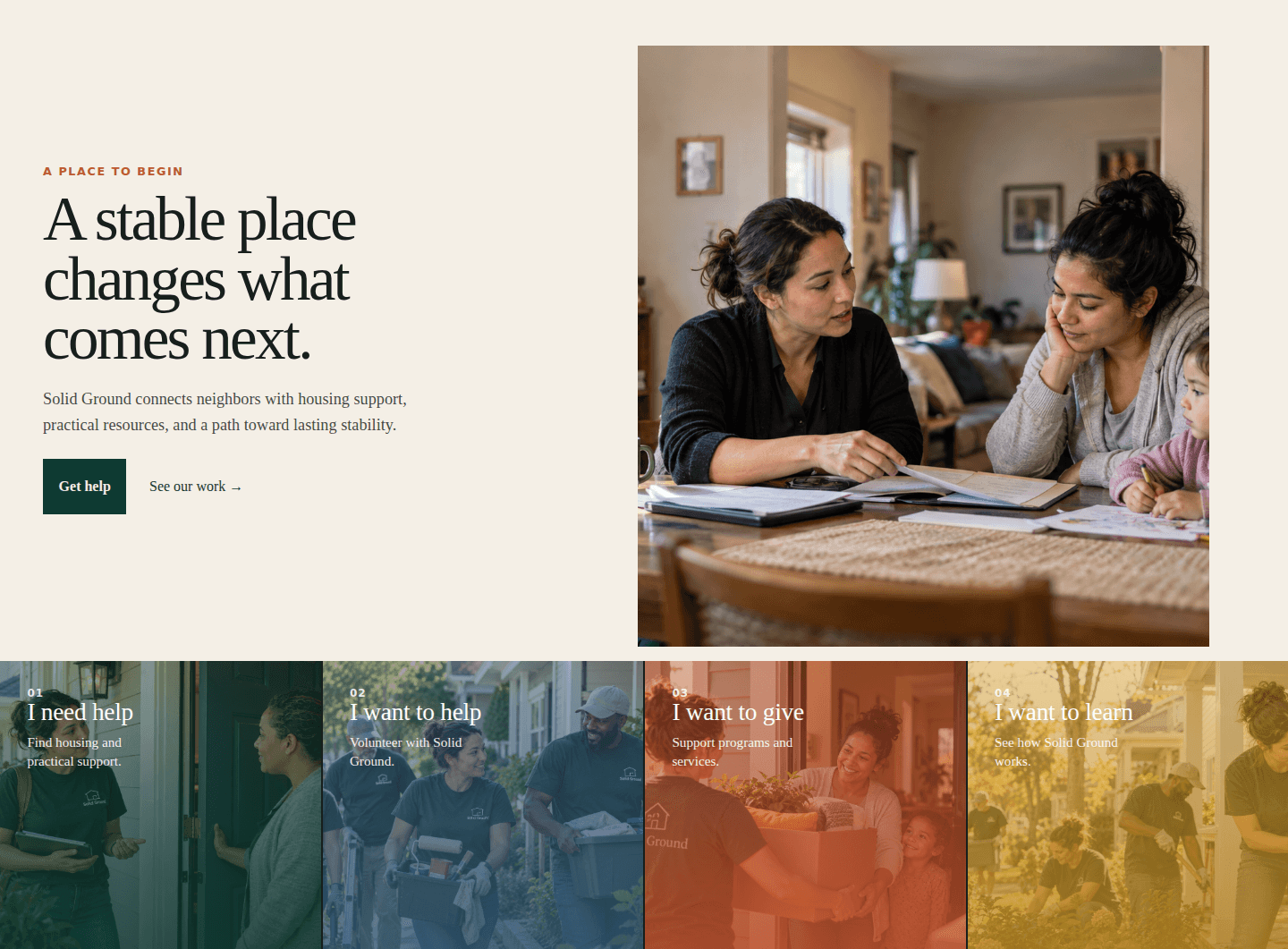
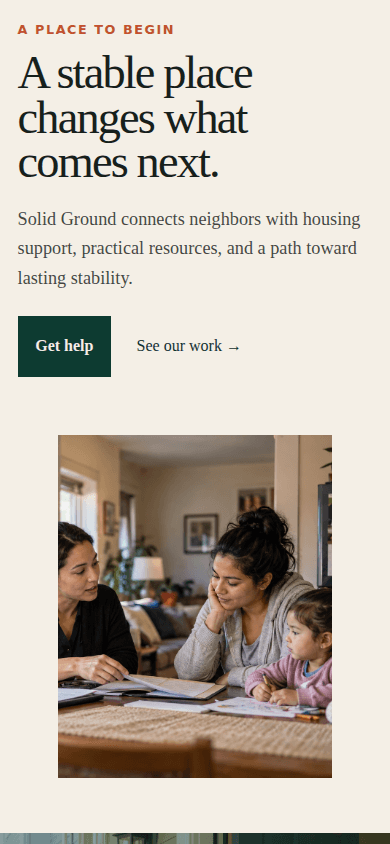
The question
Can someone understand what Solid Ground offers and where they belong without already knowing the organization?
The answer
Organize the experience around people’s needs and next steps—not around the organization’s internal structure.
The experience
- 01 — Find
Understand what’s available.
Help people quickly recognize the programs, services, or opportunities relevant to them.
- 02 — Decide
See which path fits.
Give people enough context to understand eligibility, expectations, and what happens next.
- 03 — Act
Take the next step.
Make registration, contact, participation, or another next action clear and easy to complete.
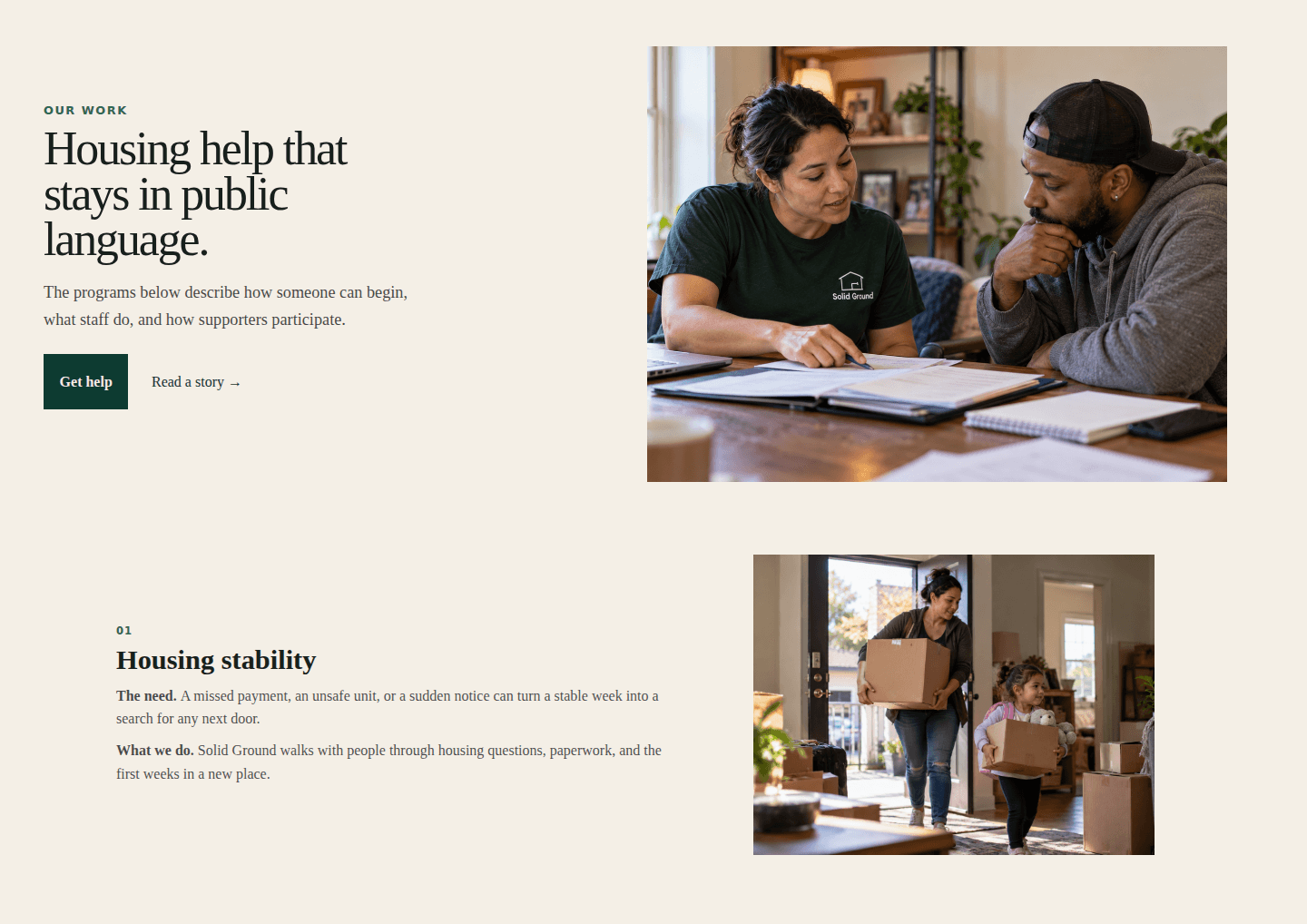
Program discovery
Find the right program without knowing what it’s called.
Organize options around people’s needs, eligibility, and next steps rather than expecting visitors to understand internal program structures.
From request to response
The experience doesn’t endwhen someone presses Submit.
Maya’s request leaves the website and becomes work inside Solid Ground. What she typed on her phone is exactly what the staff member sees—no re-entry, no second form, no lost context.
On the website
Housing Stability · Step 3 of 3
Review and send
- Program
- Housing Stability
- Name
- Maya R.
- What’s happening
- My hours were cut and I’m behind on this month’s rent. I have the notice from my landlord.
- Reach me by
- Text message
- Submitted on the websiteTue 9:14 AM
- Request createdSG-2047
- Routed to Housing StabilityQueue · Intake
Inside Solid Ground
New requestIntake queue · 9:14 AM
SG-2047
Housing Stability Assistance
“My hours were cut and I’m behind on this month’s rent. I have the notice from my landlord.”
- Person
- Maya R.
- Contact
- Text message
- Documents
- Landlord notice (1)
- Source
- Website request
Review eligibility →
03 / Software Development
Give the organization one operational record.
Not a dashboard of totals. The concept starts with the exact request that arrived from the website and asks what a staff member needs to move it forward today — the operational half of the direction the study set.
Interactive prototype
Housing Stability / Requests
SG-2047 · Housing Stability Assistance
Opened Tue, Mar 10 · via website
- Request
- Review
- Assign
- Serve
- Follow up
- Close
Next action
Confirm landlord payment arrangement
Due Thu, Mar 12 · Owner: Dana Whitfield
- Person
- MRMaya R.Household of 3 · Prefers text
- Program
- Housing Stability AssistanceEligibility confirmed
- Assigned
- DWDana WhitfieldHousing Stability · Case manager
- Follow-up
- Mon, Mar 23 — check-in by textScheduled · reminder on
Documents
- Landlord notice.pdfReceived
- Proof of incomeReceived
- Lease agreementRequested
Activity
- Today 10:05Dana called landlord; payment plan discussed
- Wed 3:40Update sent to Maya by text: “Your documents are in.”
- Tue 11:20Assigned to Dana Whitfield after eligibility review
- Tue 9:14Request submitted on solidground.org
Add a note or send an update…
One request.One connected operational record.
Request
Arrives from the website with everything Maya shared.
Review
Eligibility and urgency checked against program criteria.
Assign
One owner, one next action, one due date.
Serve · SG-2047 is here
Documents, calls, and payments tracked on the same record.
Follow up
A scheduled check-in, sent in the channel Maya chose.
Close
Outcome recorded once—and counted in reporting.
What one record makes possible
Priority 03 · A shared operational record
Staff open a person’s request, not a spreadsheet row — the operational record the direction work called for.
Priority 04 · Ownership is explicit
Every request has one owner and one next action, so follow-up doesn’t depend on memory.
Priority 05 · Room to evolve
Records feed reporting, so new programs and workflows can be added without starting over.
Beyond the system
Clarity has to travel with the information.
The website and the operational record don’t exist in isolation. Information eventually becomes emails, guides, reports, and notices — carrying the same architecture, language, and priorities established digitally.
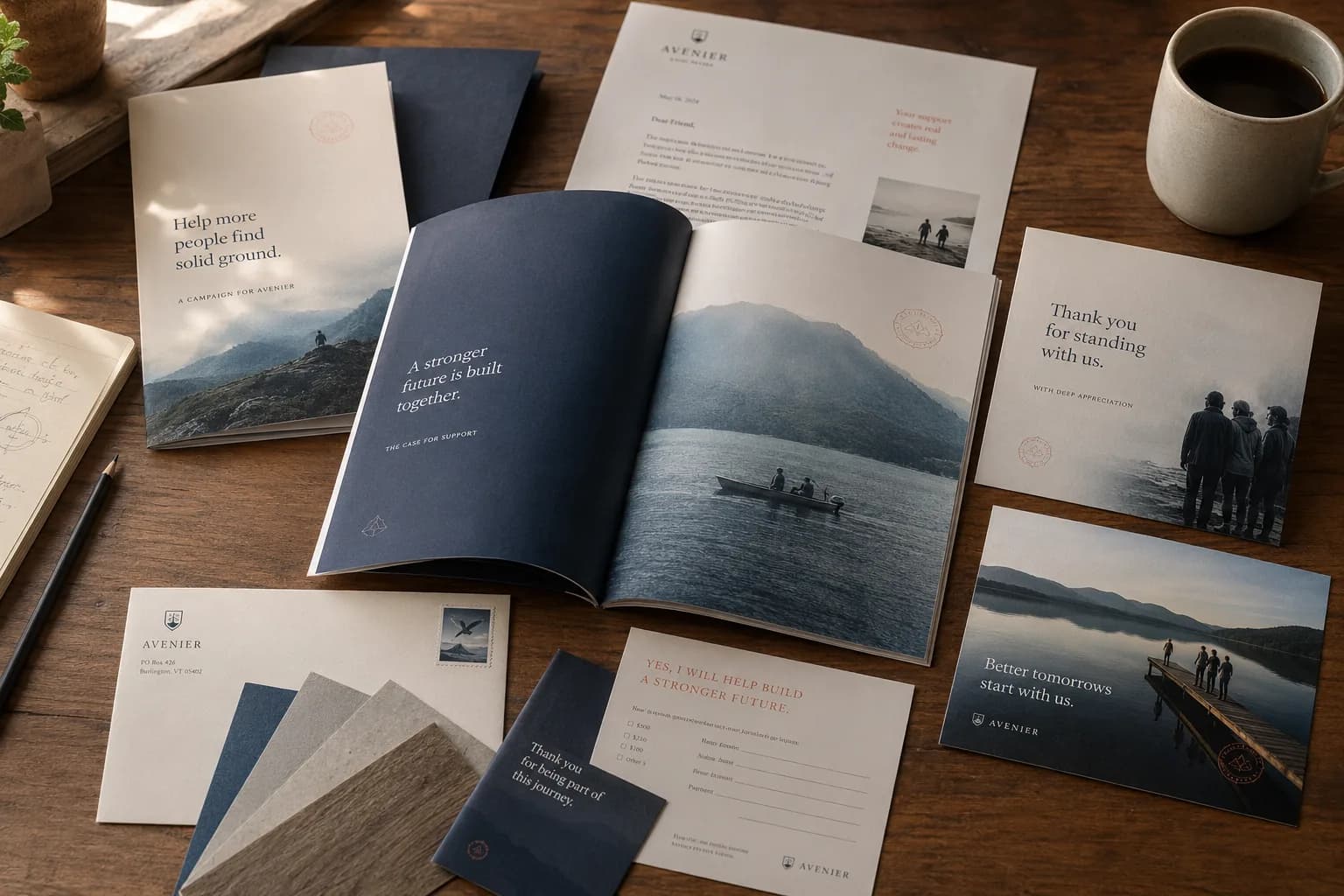
Solid Ground
Program guide
Where to start, and what happens next.
- 01Housing StabilityRequest assistance
- 02Food & EssentialsFind a pickup time
- 03Benefits NavigationBook a session
- 04Community ResourcesBrowse the directory
solidground.org/programs · Text HELP to 555-0147
Your next stepsSG-2047
Housing Stability
- Request received
- Documents in
- Confirm landlord payment arrangement
- Check-in on Mon, Mar 23
Your contact: Dana Whitfield
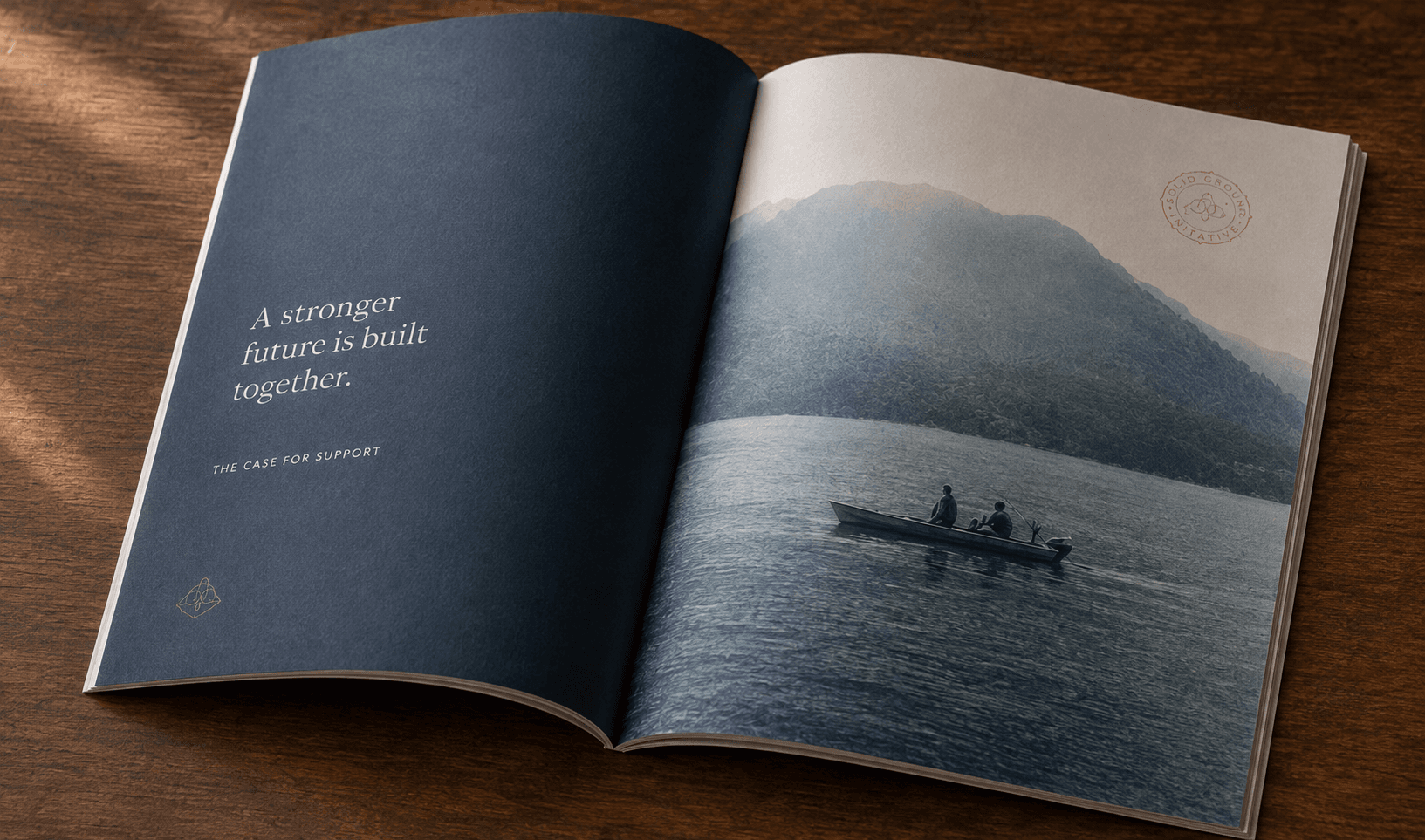

When the flyer, the web page, and the text message use the same words for the same things, people stop having to translate.
- 01Program guideSame four programs, same order, same names as the website.
- 02Community resource sheetOne page, large type, the same next steps as online.
- 03Volunteer packetRoles and schedules that match the volunteer sign-up.
- 04Event & signageWayfinding that uses the program names people already know.
One organization
See the whole experience.
Follow Maya—a fictional neighbor—through Solid Ground. Each moment traces back to understand, prioritize, experience, operate, or evolve. None of them works alone.
- Maya discovers Solid GroundCommunity · word of mouthDesigned by Website Development
- Visits the websiteHomepage · clear pathsDesigned by Website Development
- Finds Housing StabilityPrograms by needDesigned by Website Development
- Requests assistanceMobile intakeDesigned by Website Development
- Request enters Solid GroundRecord SG-2047Designed by Software Development
- A staff member reviewsEligibility checkedDesigned by Software Development
- Responsibility is assignedOne owner, one next actionDesigned by Software Development
- Service is deliveredRecord updatedDesigned by Software Development
- Follow-up is recordedScheduled check-inDesigned by Software Development
- Solid Ground learns from the experienceReporting · next directionDesigned by Technology Direction
Ten moments, one direction: understand, prioritize, experience, operate, evolve.
One system, different views
One organization.Different people.Different needs.
Person seeking help
Website / mobile experience
Where to start, what happens next, and the status of their request.
Website Development
Program staff
Operational workspace
Their requests, the next action on each, and everything needed to act.
Software Development
Leadership
Program and impact reporting
Demand, capacity, and outcomes by program—drawn from the work itself.
Software Development
Community + supporters
Communications and impact materials
What Solid Ground does, what changed, and how to stay involved.
Communications Design
Shared informationPeople · requests · programs · outcomes
Different interfaces.Shared information.One organizational experience.
Designed for what comes next
The roadmap shouldn’t end when something launches.
Shown as possibilities this study makes room for—not commitments already made.
- Additional programs
- New service workflows
- Reporting
- Integrations
- Automation
- Communications needs
- Accessibility improvements
- New organizational priorities
What this study explores
Technology should strengthen the mission—not become another thing to manage.
UnderstandPrioritizeExperienceOperateEvolve
Start with people
Understand who needs what.
See the organization
Understand how programs, processes, information, and systems connect.
Build with purpose
Turn priorities into experiences and operational tools that solve specific problems.
Design for what comes next
Leave room for the organization to change.